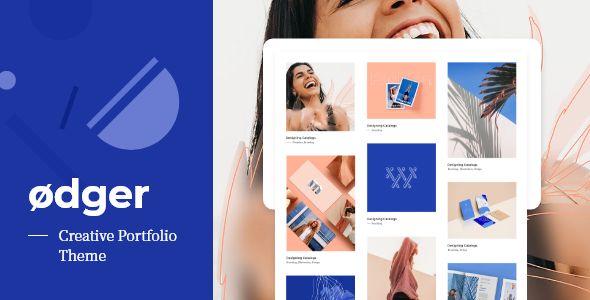
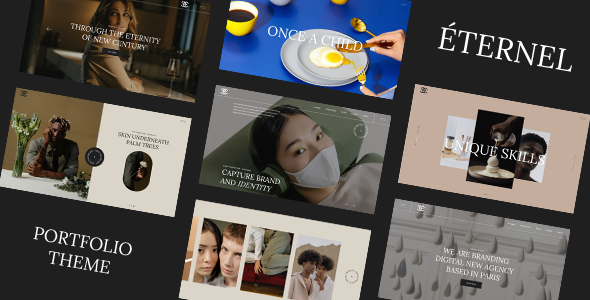
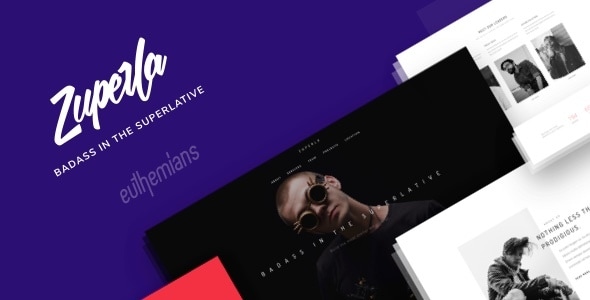
Charm is a modernistic portfolio-style theme with an emphasis on typography and attention to detail. Show off your latest photos and videos in all their glory with the responsive portfolio grid. Write blog posts with the beautiful, minimal blog.
Fully Customizable Customize Charm in real time with WordPress Theme Customizer! Change your site title, accent color, upload a logo and more, all with a live preview. No confusing and convoluted theme options panels to sift through!
Advanced Portfolios You can have unlimited portfolios, each with it’s own categories and custom settings. You have two column types, infinite loading, filtering and a lot of useful features to make your website a perfect showcase of your amazing products! Quick Look Powerful & Super Lightweight Easy Installation & Setup Fully Responsive Blazing Fast Isotope & Masonry Layouts Infinite Scroll Multiple Portfolio Pages Theme Customizer Support 6 Page Templates 3 Different Blog Layouts Classic Layout Grid Layout Full Width Layout Custom Social Widget Recent Projects Widget Image, Video & Gallery Support Font-Awesome Icons Retina Ready Localization Ready Extensive Documentation Free Updates Image Credits All images used to illustrate the demo are copyrighted to their respective owners and not included in the package you download from ThemeForest.
They are only used for demonstration proposals. Need support? First of all, thank you for your interest in my theme.
If you need technical support or have any questions, please send me a message via my contact page form and I’ll get back to you as soon as possible. Changelog: = 1.1.2 | 22 Jun 2021 =
• Add compatibility with ThemeRain Core v1.0.8
• Add compatibility with Contact form 7 v5.4
• Fix mobile portfolio 2 columns layout
• Fix metabox template selector
• Improve some other minor details = 1.1.1 =
• Added support for the latest ThemeRain Core update
• Fixed and improved some other minor issues and details = 1.1.0 =
• Added support for ThemeRain Core plugin
• Improved styling a bit
• Fixed some minor issues = 1.0.8 =
• New: Support for Contact Form 7 plugin
• New: Option to set logo width
• New: Lightbox icons
• New: Lightbox close button
• Update: Font Awesome updated to latest version
• Fix: Minor bug fixes and CSS improvements = 1.0.7 =
• Added the demo content file
• Updated the .PO file
• Updated Customizer
• Updated post navigation
• Updated contact form = 1.0.6 =
• Improved styling a bit
• Fixed some minor bugs = 1.0.5 =
• New feature: Admin Editor Styling
• New feature: Ability to hide page header for every page and project
• Updated ThemeRain Portfolio plugin
• Improved styling a bit
• Fixed some minor bugs = 1.0.4 =
• New feature: Post Navigation
• Improved styling a bit
• Fixed some minor bugs = 1.0.3 =
• New feature: Ability to choose custom header image for every project
• New feature: Recent Projects Widget = 1.0.2 =
• New feature: 2 Column Blog Layout
• New feature: Full Width Blog Layout
• New feature: Multi-level Menu
• New feature: Social Widget
• Improved styling a bit
• Fixed some minor bugs = 1.0.1 =
• Added ability to exclude specific portfolio categories from portfolio pages
• Added ability to hide category filter from portfolio pages = 1.0.0 | 12 May 2015 =
• Initial Release